MOSS-Image Infographic Preset
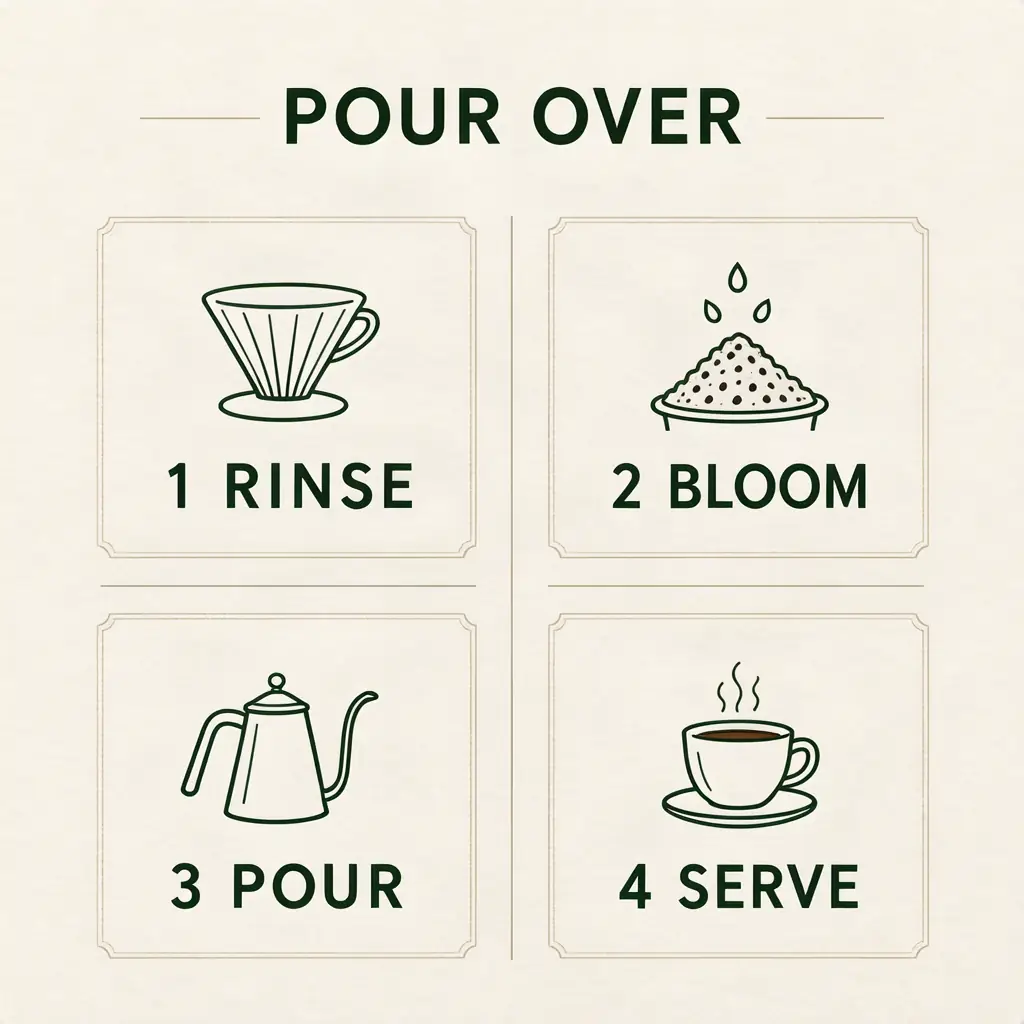
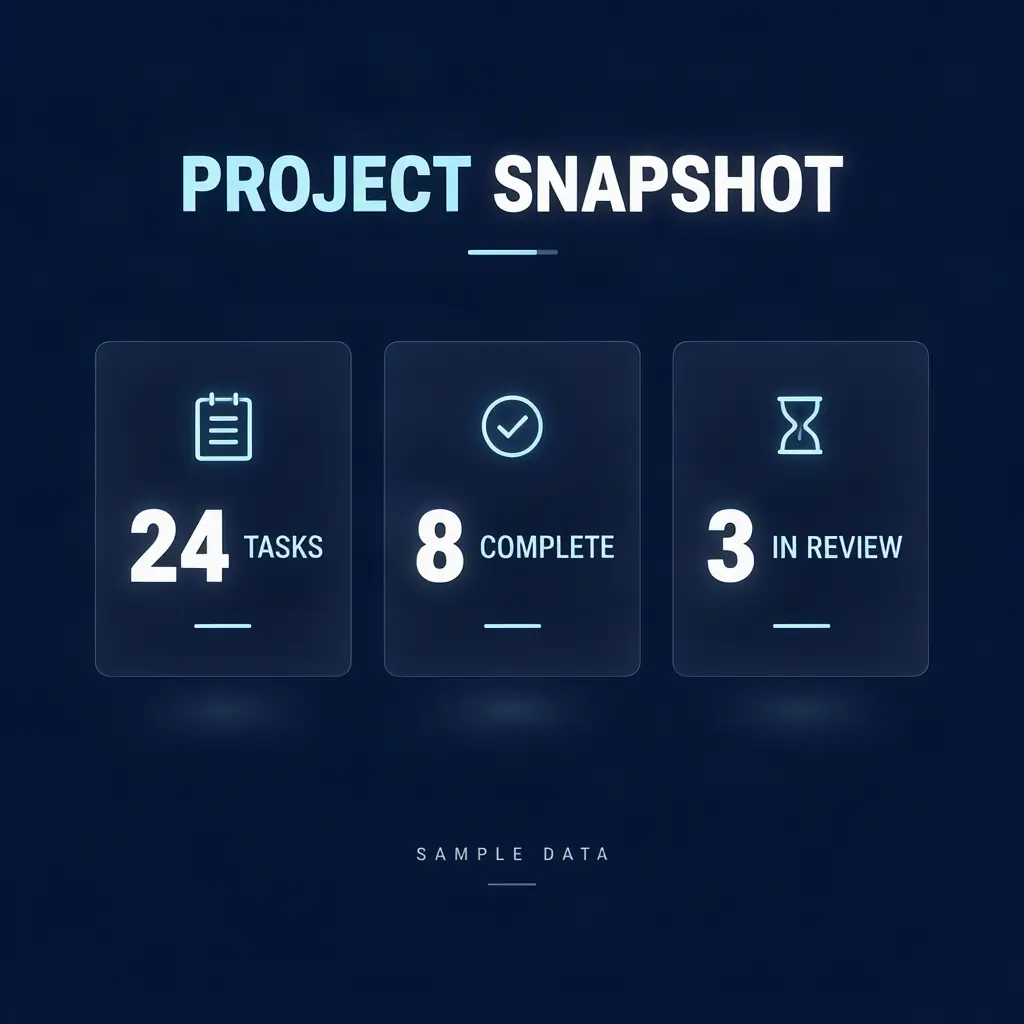
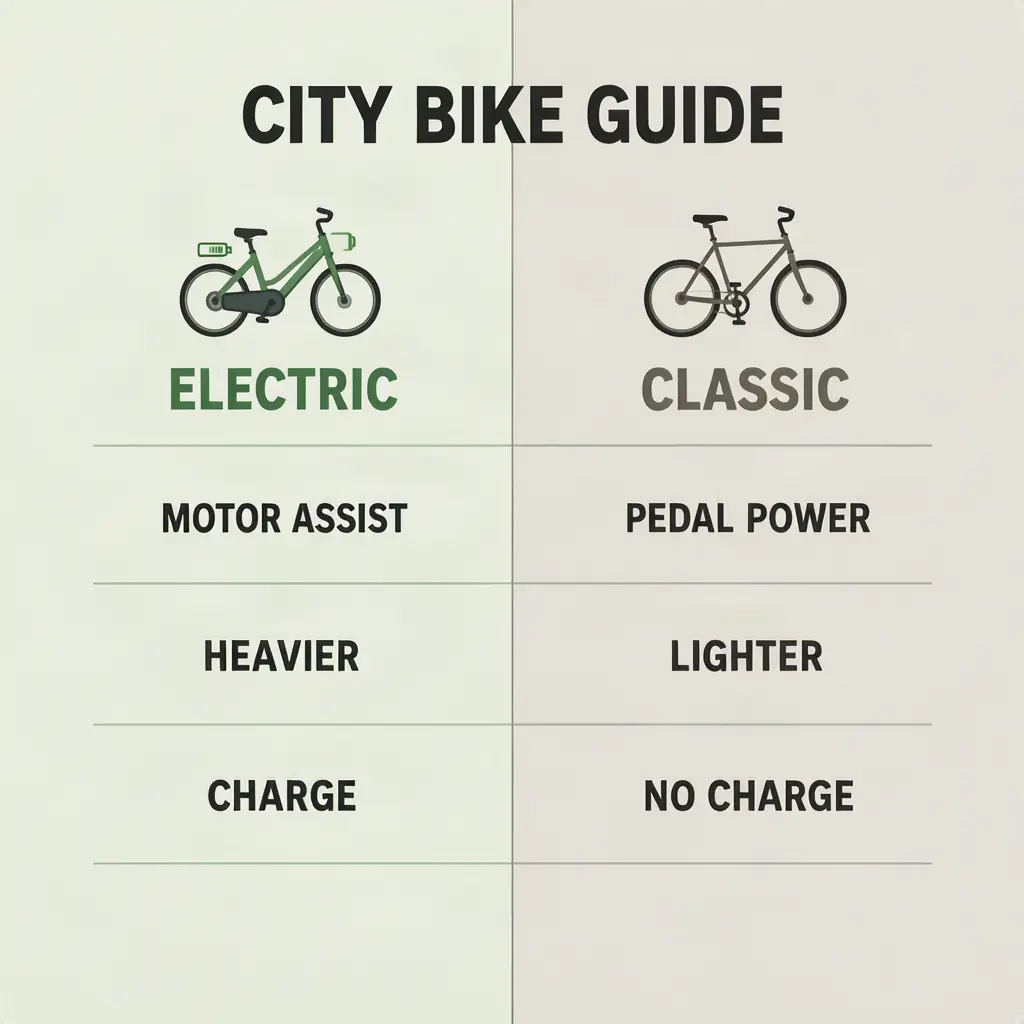
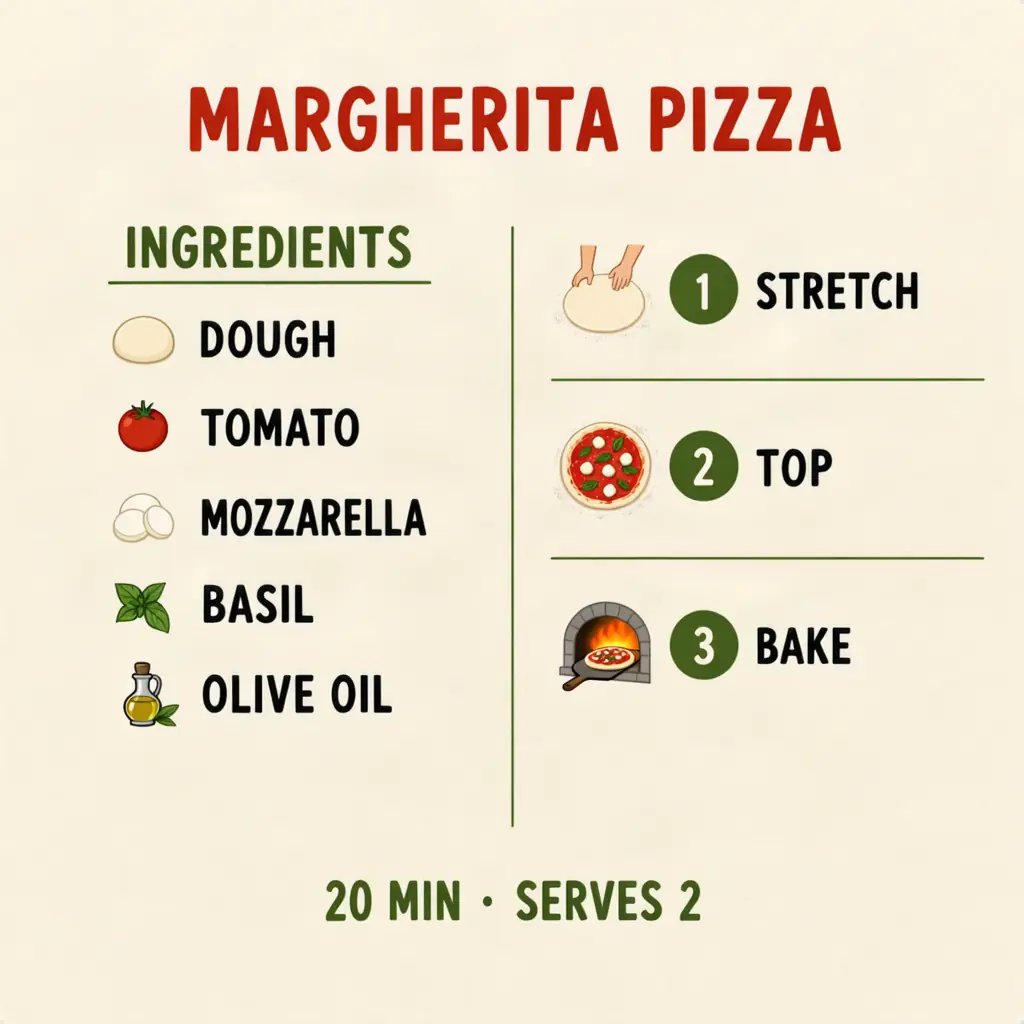
A tested starting point for information graphics with short labels, numbers, and icons. Use it for process steps, sample stat cards, simple comparisons, and recipe cards, then proofread every element.
Open this preset in StudioReference settings
ModelMOSS-Image SFTCFG3Steps50Prompt expansionText mode on
The hosted API supports CFG and inference steps. Shift, sampler, scheduler, and SLG are local workflow settings and are intentionally not claimed here.
Real outputs to start from
Prompt formula
- Name the subject and the layout pattern, such as four steps or two columns
- Quote every heading, label, and data point exactly as it should appear
- Keep the first draft concise, use clear visual groups, and proofread the result